Addons
An addon teaches EverythingBox about a new source of things to browse — and about entirely newkinds of thing. It is a manifest and a script, and it runs sandboxed.
A catalog can be anything you can list
The catalogs that ship — films, shows, games, music, audiobooks, books, comics, manga — are not a fixed set the app is built around. They are just what the bundled addon happens to declare. Your addon declares its own, and they appear in the library exactly like the built-in ones: browsable, searchable, with artwork, drill-down and pagination.
A catalog is three fields — an id, a displayname, and a type that tells the app which part of the home screen it belongs under. Podcasts, live sports, magazines, lectures, recipes, a shelf of your own recordings: if you can return a list of items, it works.
EverythingBox ships the engine, not the sources
The application provides the addon runtime, the catalog model, and a metadata addon that fills in artwork and descriptions. It ships no media, and it does not come configured to point anywhere in particular. What you connect it to is your decision and your responsibility.
Sandboxed
Each addon runs in an isolated JavaScript interpreter with a per-call execution timeout, so a runaway script cannot lock up the interface.
Never blocks the app
Calls run off the interface thread, each in a fresh context. No addon can freeze the app while it waits on a slow network.
Configurable
An addon declares its own settings schema and the app renders a form for it. Values persist per addon, and the script reads them back with getConfig.
What they produce
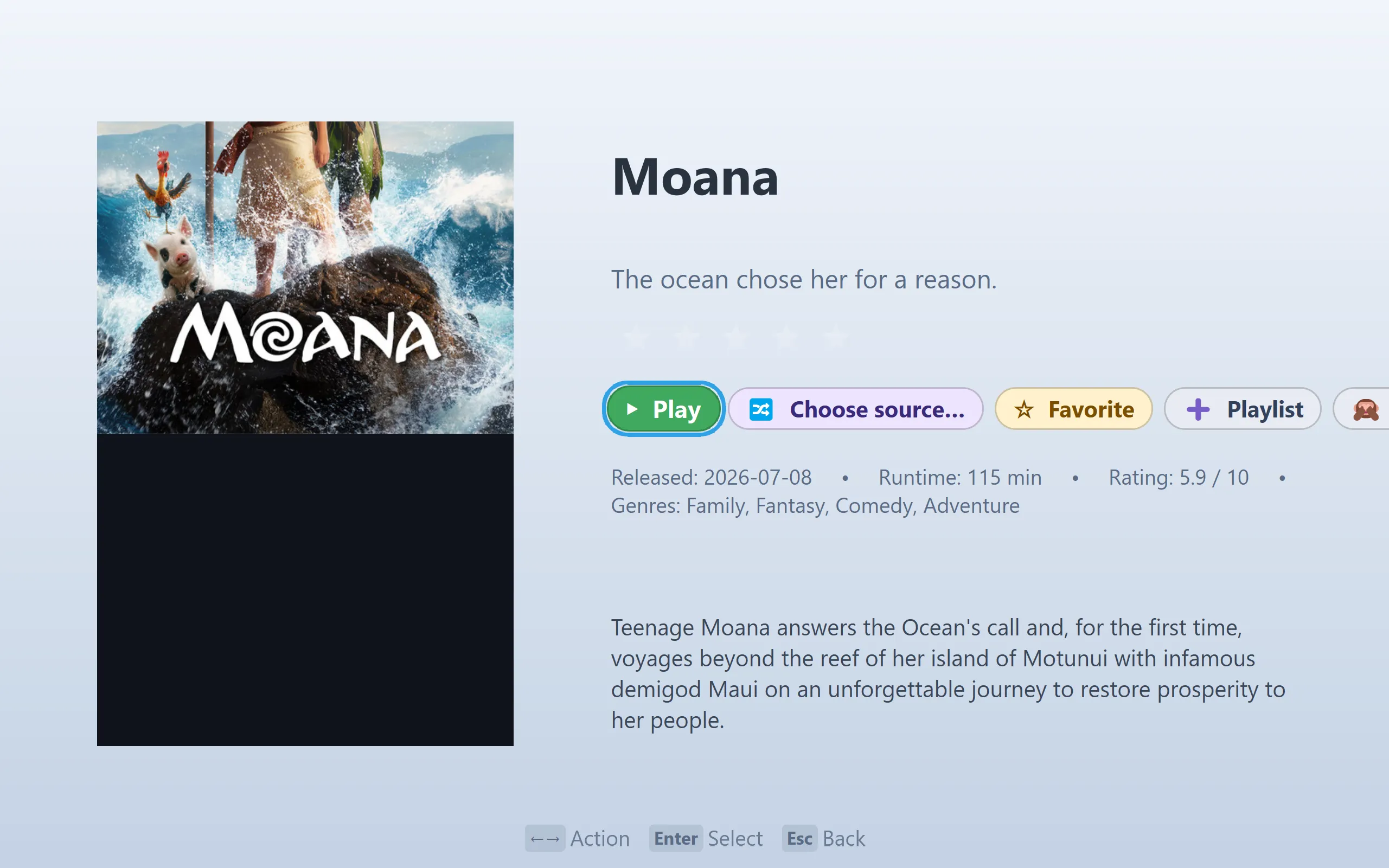
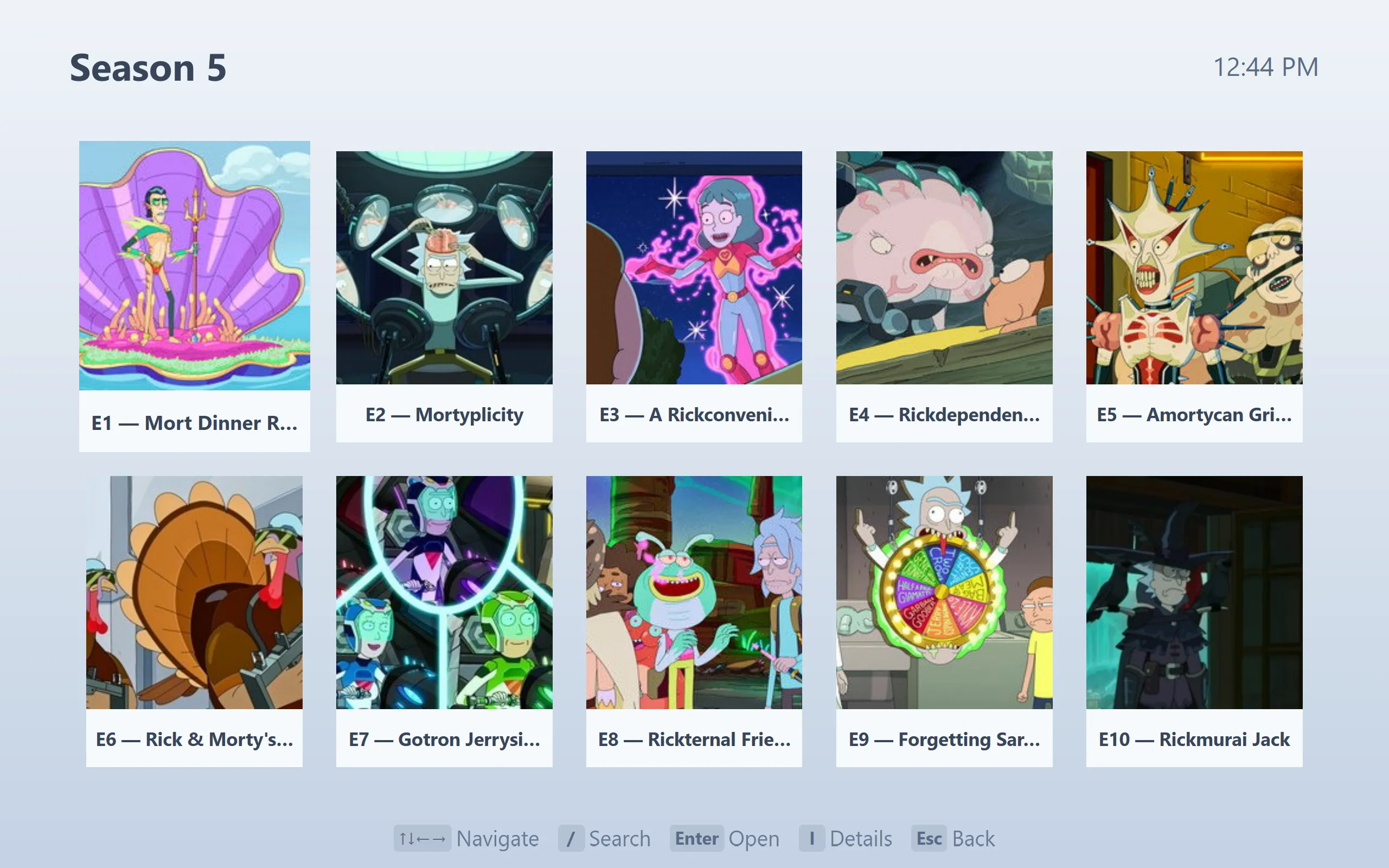
EverythingBox ships with a catalog addon covering films, shows, games, music, audiobooks, books, comics and manga. Add your own API keys in its configuration screen and a folder of filenames turns into this — posters, backdrops, ratings, genres and descriptions, with series expanding to their episodes.
Installing one
Addons are distributed as .addon files. Open the library, choose to install, and pick the file. Each source can be enabled or disabled individually, and the setting sticks.
Writing one
Two files. A manifest describing what you provide and what you need configured:
{
  "id": "com.example.myaddon",
  "name": "My Addon",
  "version": "1.0.0",
  "catalogs": [
    { "id": "popular", "type": "movie", "name": "Popular" }
  ],
  "settings": [
    { "key": "apiKey", "type": "password", "label": "API key" }
  ]
}
And a script that answers for it. The host gives you HTTP, storage, logging and your own configuration values:
// main.js
function getCatalog(catalogId, args) {
  var res = httpGet("https://example.com/api/" + catalogId +
                    "?page=" + args.page + "&key=" + getConfig("apiKey"));
  var data = JSON.parse(res);
  return {
    items: data.results.map(function (r) {
      return { id: String(r.id), title: r.title, poster: r.image };
    }),
    hasMore: data.page < data.total_pages
  };
}

// Optional: a series expands to its episodes, an album to its tracks.
function getDetail(id) {
  var res = httpGet("https://example.com/api/item/" + id);
  return JSON.parse(res);
}
Catalogs support search and pagination as well as drill-down. The full contract is documented in theapp repository.